
Shop closer to home, and a Promise that now covers sellers
A quick tour of what's new on ShopBroker across Toronto and the GTA: filter by distance, a Promise that now covers sellers, gather your finds in one place, and make an offer.


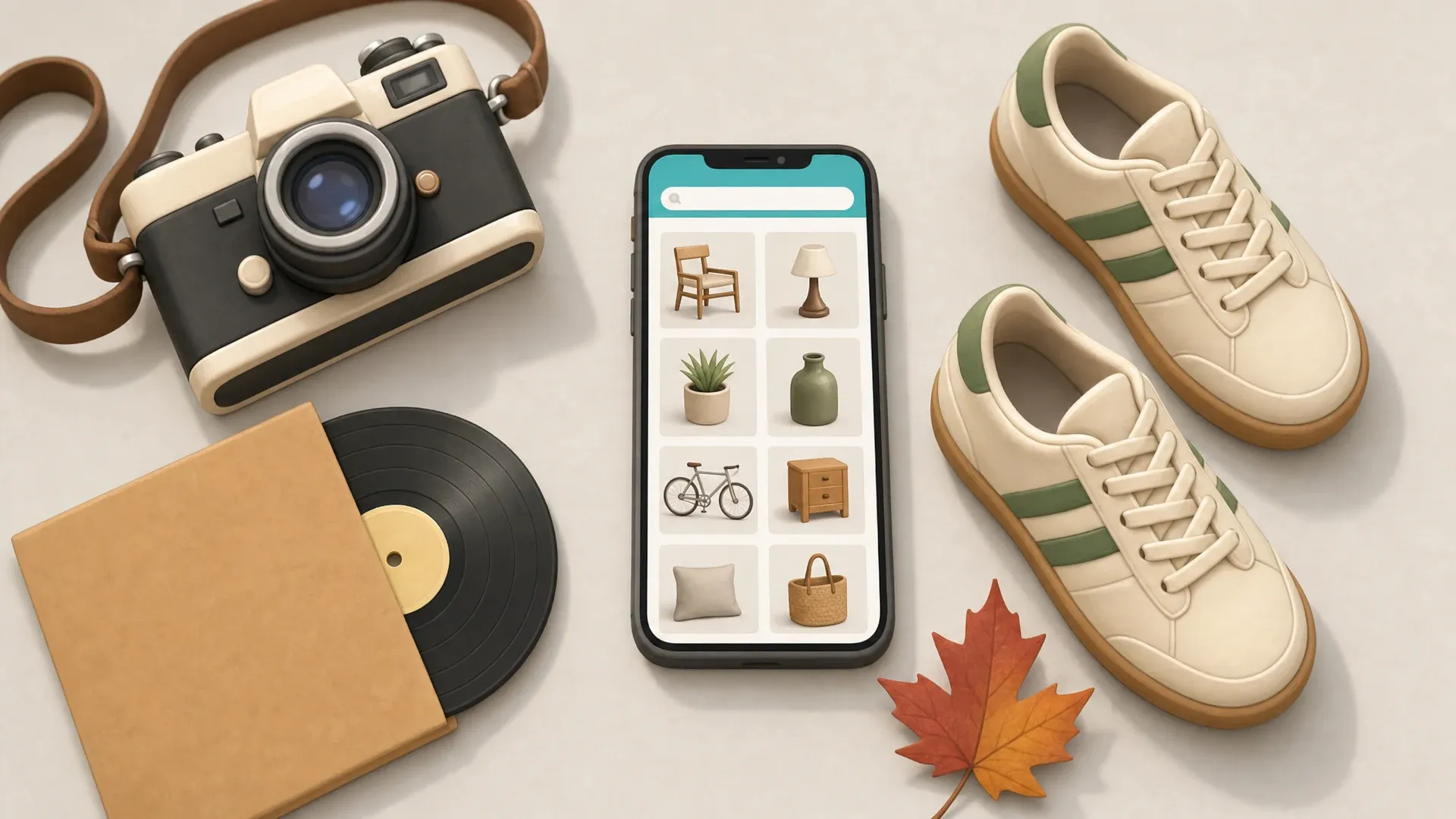
Buying and selling locally can mean driving across the city for something that's already gone, or handing your item to a stranger and hoping the money's real. This month's updates on ShopBroker chip away at exactly those headaches, some for buyers and some for sellers, across Toronto and the GTA.
Here's a quick tour of what's new on your local marketplace this month.
Shop by how close things are, and see every item's city
Every listing now shows the real city it's in, so you know where something is before you tap. Shopping in Toronto and want to keep it close to home? You can now filter by distance.
Choose "Nearby" for the closest finds, "A bit farther" to widen the net, or "Across town" for the full GTA. Each listing carries a proximity badge, so a quick glance tells you how near it is.
Farther finds aren't hidden. Pick a wider band any time to bring more of the GTA back into view. And closer items tend to be simpler to arrange, whether you're meeting up or arranging delivery.
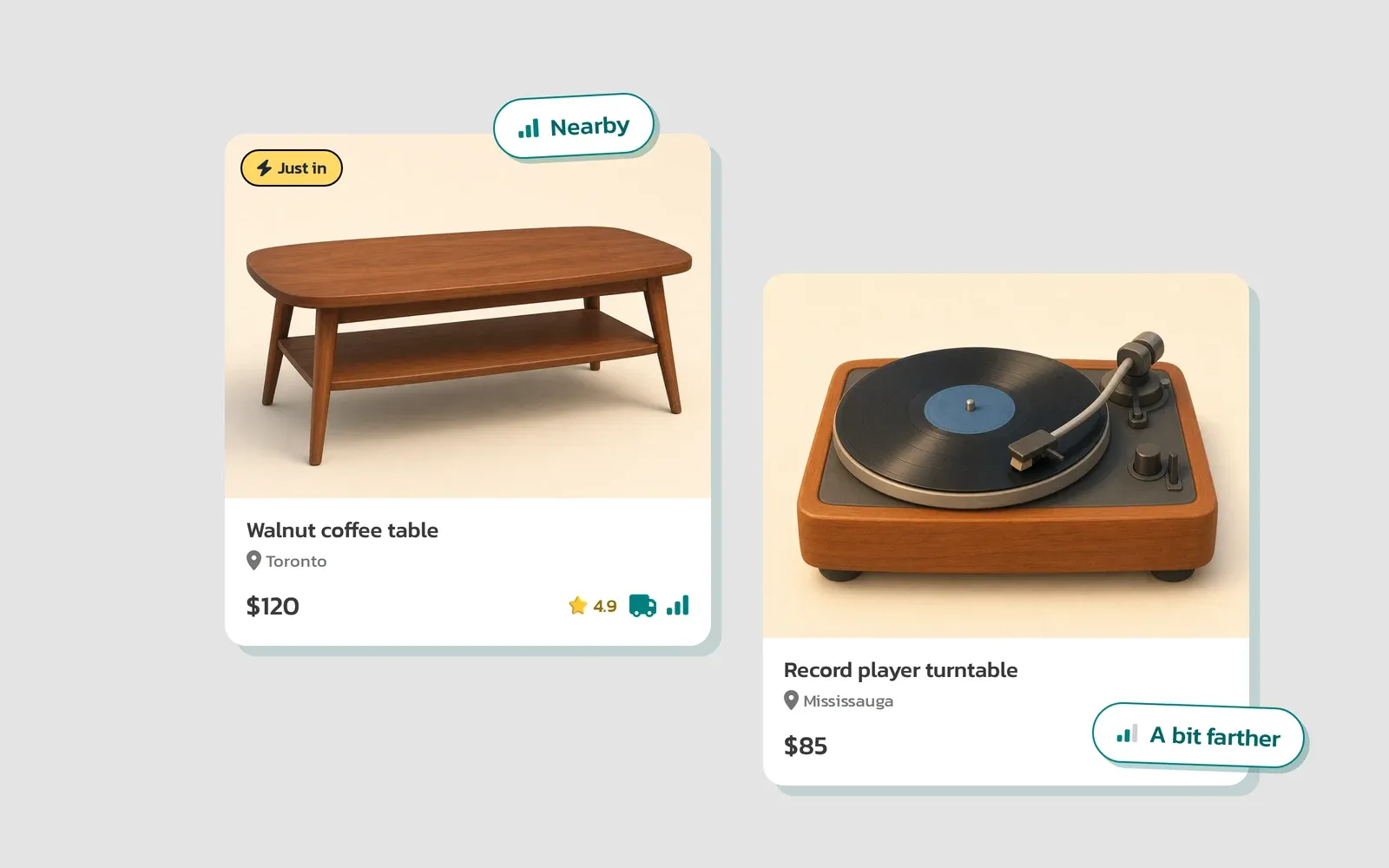
Good to know: The distance filter narrows to what's closest, and you can widen it any time, so nothing stays hidden. Pick "Nearby," "A bit farther," or "Across town" and shop the way that suits you.
The ShopBroker Promise now covers sellers too
The ShopBroker Promise has always had buyers' backs. Now it covers sellers too.
Try our delivery and secure payment. If they don't work out for you on a sale, reach out within 72 hours and we'll refund your ShopBroker service fee for that sale. Here's exactly what that means, so there's no guesswork:
- It's the ShopBroker service fee we return, not the item price or the delivery cost.
- It applies to a completed sale paid through our secure checkout (Stripe or PayPal) that carried a ShopBroker service fee, not cash or e-Transfer deals you arrange on your own.
- Reach out within 72 hours of the sale completing.
- Our support team reviews each request, so a real person makes it right.
To put both sides simply: buyers are covered if an item isn't as described, and sellers get their service fee back if our service lets them down.

The seller side, in one line: If our delivery or secure payment doesn't work out on a sale, reach out within 72 hours and we'll refund your ShopBroker service fee. It covers Stripe and PayPal sales that carried a service fee, we review each request, and it's the fee only, not the item price or delivery.
You can read the full terms on our Refund and Dispute Policy and Terms of Service pages.
Gather your local finds in one place
You can now save items from different sellers in one cart and check out when you're ready.
Browse the marketplace, tap "Add to cart" on anything you like, and it all collects in "Your cart." Each seller runs their own shop, so you check out with each one separately. You'll see a clear "Checkout with {Seller}" step for each, so you always know who you're buying from.
Here's the part worth knowing: when you buy a few things from the same seller, they arrive together in one trip, with one delivery fee. That's a real saving when you're picking up more than one item from the same shop.
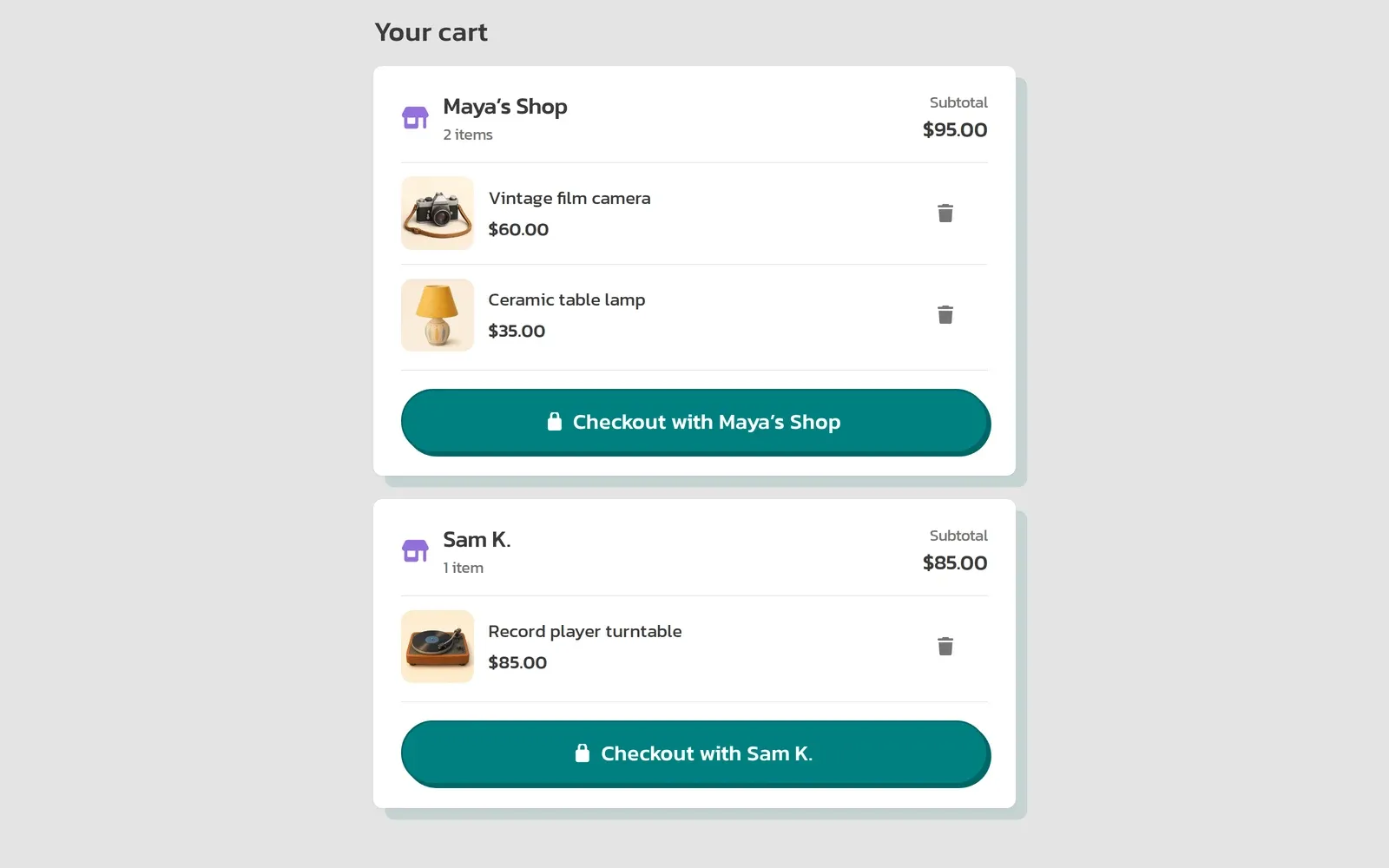
How it works: Save items from as many sellers as you like in one cart, then check out with each seller. Buy a few things from the same seller and they come in one delivery, with one fee.
Make an offer by sliding to your price
On listings with flexible pricing, you can now make an offer in a couple of taps.
Look for "Make an offer," then drag the slider to the price you'd like to pay. The slider runs between two clear numbers: the lowest the seller will take on the left, and their asking price on the right. As you drag, your offer shows right on the slider, so you can see exactly where your number lands in their range before you send it.
When you're happy, send it in a tap. The seller can accept, counter, or pass. You'll only see the offer slider on listings where the seller has set flexible pricing.
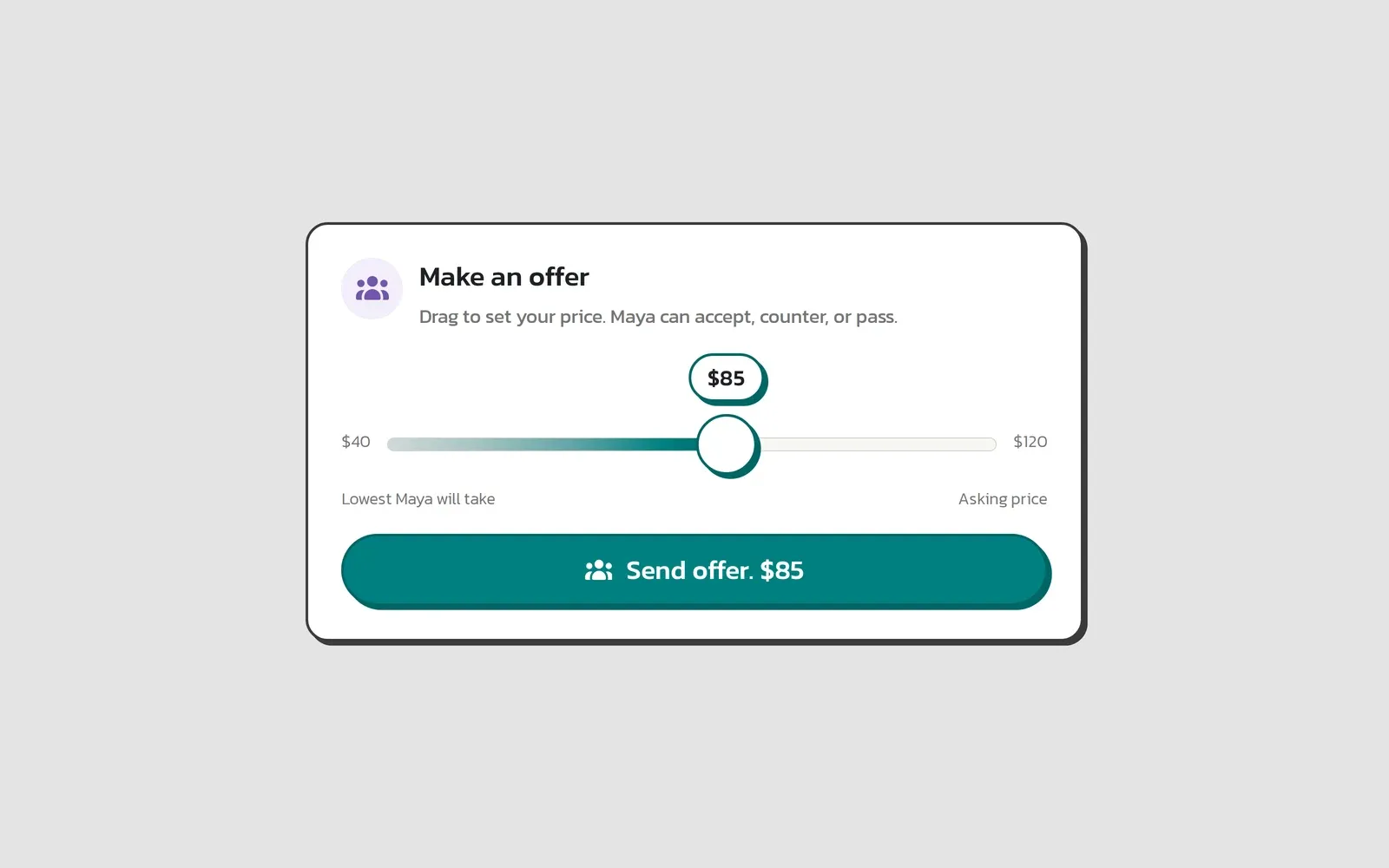
See their range: The slider shows the lowest the seller will take and their asking price, so you can pick your number with that in view. Send your offer in a tap, and the seller can accept, counter, or pass.
More ways to buy and sell with confidence
That's the tour. Shop by distance so you can stay close to home, a Promise that now has sellers' backs too, one place to gather your finds, and offers in a couple of taps.
Each one is a small step toward the same thing: buying and selling across Toronto and the GTA that feels easy and earns your trust. Take a look around, and if you've been meaning to clear out a few things, this is a good week to start a shop.
Also new: ShopBroker is on Android
The ShopBroker Android app is now in open beta, the same safe local marketplace, now in your pocket. Read more about the beta, or get it now.